What an SFCC Support Retainer Should Cover in 2026

A few years ago, an SFCC support retainer meant a block of developer hours and a promise to fix bugs. That’s still the core, but it’s no longer enough. Stores release more often, depend on more integrations, and now have to stay readable to AI shopping assistants as well as to shoppers. A retainer that only reacts to tickets leaves most of that risk with you.
This guide sets out what a modern Salesforce Commerce Cloud (SFCC) retainer should cover in 2026, and the questions to ask any partner before you sign. It’s written for e-commerce teams comparing support partners, or checking whether their current retainer still fits.
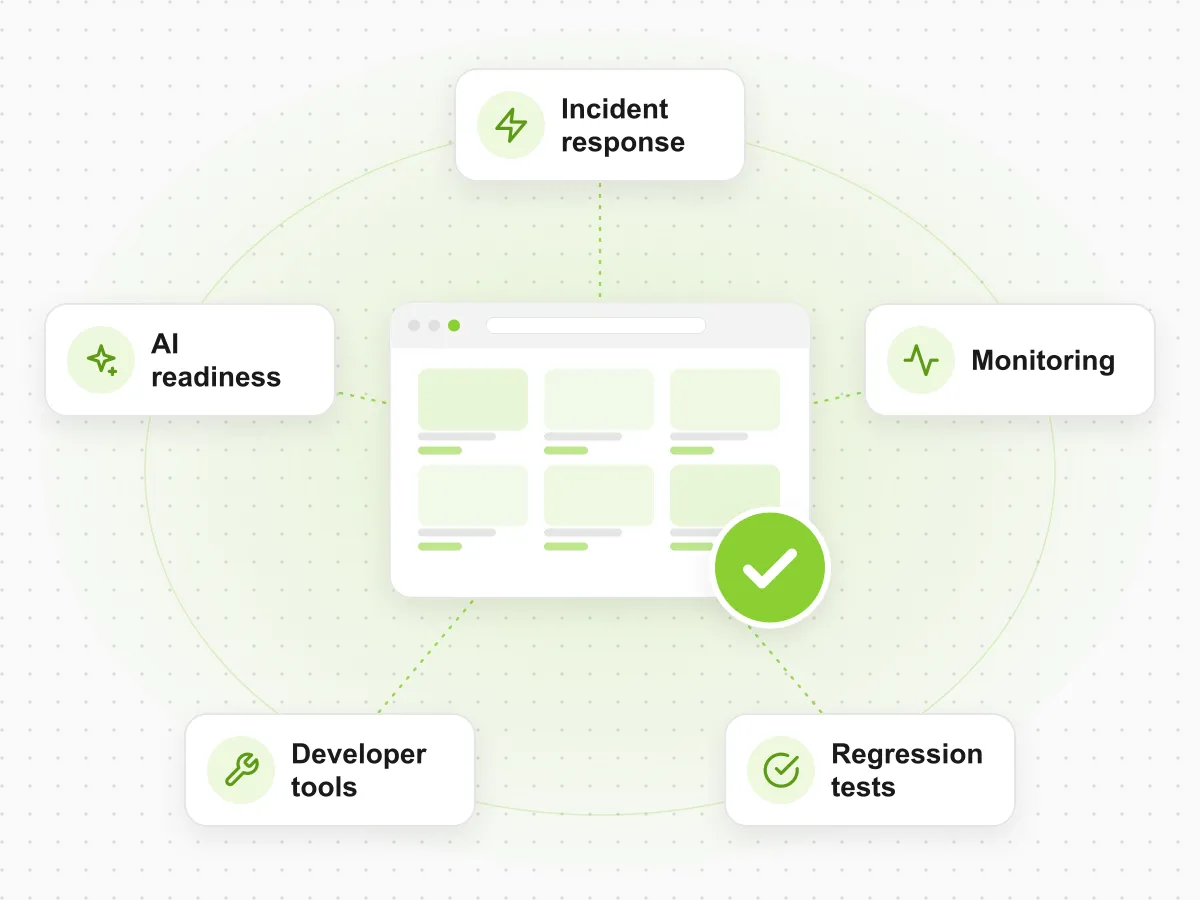
The five things to look for:
- Incident response and fixes, with clear response times and people who know your code.
- Proactive monitoring, so problems are found before customers report them.
- Regression tests before every release, not only manual checks when there’s time.
- Tools that speed up fixes, so retainer hours go into solving problems, not into routine clicks.
- A regular AI-readiness check, so the store stays visible to AI shopping assistants.
1. Incident Response and Fixes
This is what most retainers sell, and where the differences are easiest to miss. “Fast response” means little unless you know what it covers and who responds.
What to ask:
- What are the response times, and do they depend on severity? A broken checkout and a typo shouldn’t wait in the same queue.
- What happens outside office hours? If you sell across time zones or run weekend promotions, ask whether incident response covers nights and weekends, and in which plans.
- Who picks up the incident? Developers who already know your cartridges, integrations and release history fix problems much faster than a general helpdesk.
- Is the root cause fixed, or only the symptom? Ask how incidents are documented and how repeats are prevented.
- Can you add capacity quickly for a launch, a peak season or an emergency?
At ForkPoint, every retainer includes a dedicated development team and bug fixing, with priority response on Standard and 24/7 incident response on Full. Hours can be scaled up or down each month, and emergency capacity is usually available within 48 hours.
2. Proactive Monitoring
A retainer that waits for tickets will always be a step behind. By the time a customer reports a failed payment or a missing product, the problem has usually been costing money for hours.
Proactive monitoring changes the order: the problem is detected first, then fixed, and customers may never notice. On SFCC, that means watching:
- Checkout and payment errors, including slow payment gateways.
- Failed, slow or overlapping jobs, especially catalog, inventory and price imports.
- Error spikes in logs, custom code and integrations.
- Page and checkout speed, compared with a normal baseline.
What to ask: does the retainer include monitoring, or is it an extra? Who receives the alerts, and how quickly does someone act on them? And does the person who acts on an alert also have the hours and access to fix the cause?
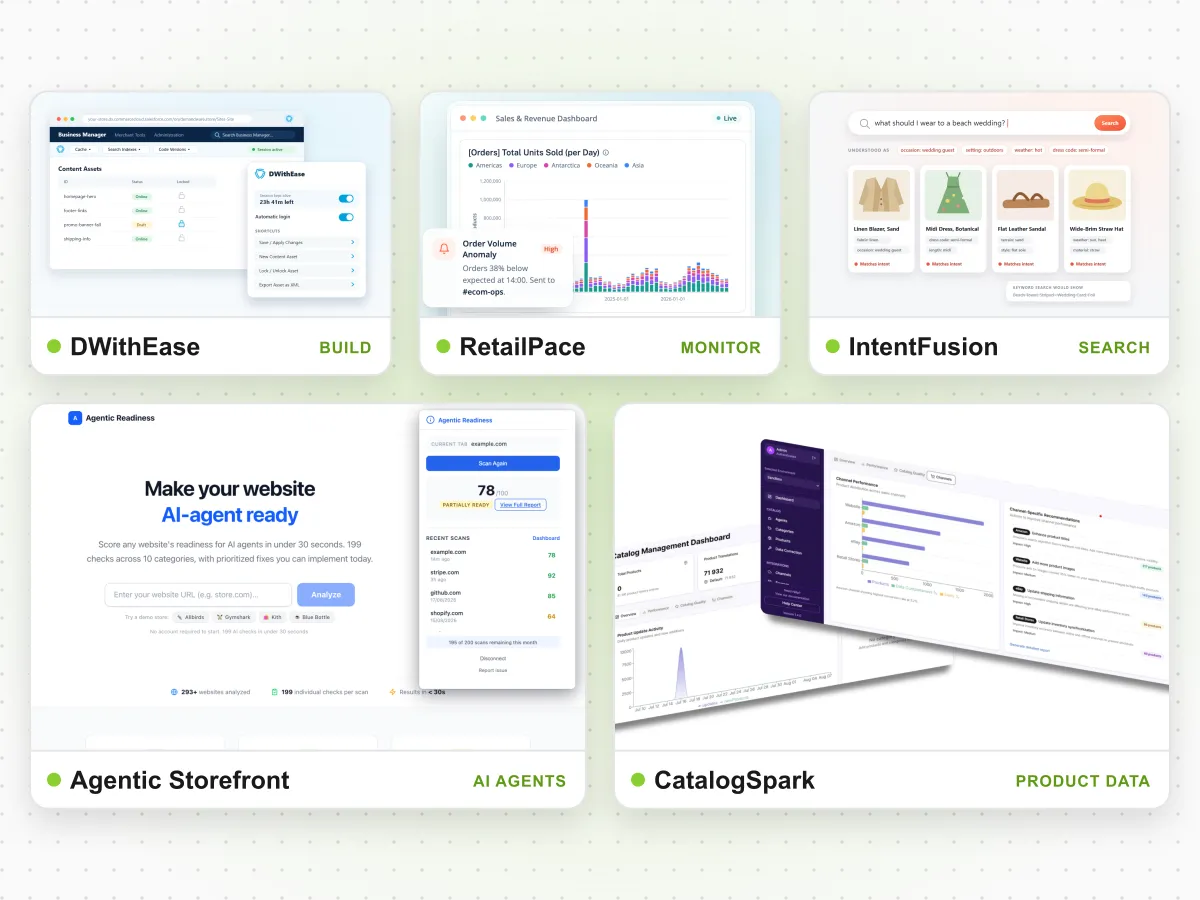
ForkPoint adds this through our monitoring package, built on RetailPace, the monitoring platform we developed ourselves. When RetailPace spots an anomaly, a ForkPoint engineer who already knows your store picks it up and fixes the cause.
3. Regression Tests Before Every Release
Most production incidents on SFCC follow a release. A promotion breaks a shipping rule, a template change breaks a product page on mobile, an integration update breaks checkout. Manual testing catches some of these, but it takes days, so it gets cut short when a release is urgent.
A strong retainer treats testing as part of every release:
- Automated regression tests for the journeys that make money: login, search, product pages, basket, checkout and payment.
- Tests that run on every release, on staging and again on production.
- Tests that stay current, updated when the store changes so they don’t go stale.
What to ask: who writes and maintains the tests? How long does a full regression run take? What happens when a test fails the day before a release?
Our Full retainer includes QA automation, and our automated SFCC regression testing service is RetailVerify. For Stine Home + Yard, automated testing cut testing time from four person-days to two hours and reduced bugs by 90%. Read the Stine case study.
4. Tools That Speed Up Fixes
Retainer hours are limited, so how developers spend them matters. On SFCC, a surprising share of time goes into routine steps: logging into Business Manager again, finding the right menu, switching sandboxes, reading logs by hand.
Ask what tools the team uses and how they keep routine work fast. A team that has removed this friction spends more of your hours on actual fixes and improvements.
Our developers work in DWithEase, the free SFCC browser extension we build and maintain, used by more than 25,000 SFCC professionals. It keeps sessions active, shows code versions and cartridge paths in one toolbar, labels environments clearly, and makes WebDAV logs readable in the browser. We wrote about what building it taught us in Building DWithEase.
5. A Regular AI-Readiness Check
This item is new for 2026. More shoppers ask AI assistants what to buy, and those assistants decide which brands and products to recommend from the data they can read. Releases, catalog changes and new templates can quietly change what they see.
A modern retainer should check AI readiness on a regular schedule, for example once a quarter:
- Can AI crawlers reach your key product and category pages?
- Is structured product data complete, with prices, availability and key attributes?
- Do AI assistants describe your brand and products correctly when you ask the questions customers ask?
- Did any recent release change URLs, structured data or page content that agents rely on?
A good starting point is the free Agentic Storefront assessment, from our agentic commerce product. It shows where your store stands and which gaps to fix first. Repeating it each quarter turns AI visibility from a one-off project into part of normal support.
A Checklist for Comparing Retainers
| Area | What a basic retainer offers | What to look for in 2026 |
|---|---|---|
| Incident response | Bug fixes during office hours | Severity-based response times, out-of-hours cover, root-cause fixes |
| Monitoring | Customer reports and ad-hoc checks | Alerts on checkout, jobs, errors and speed, acted on by your team |
| Testing | Manual checks before big releases | Automated regression tests on every release, kept up to date |
| Developer tooling | Whatever each developer prefers | Shared tools that cut routine Business Manager work |
| AI readiness | Not covered | A regular check of AI visibility and structured data |
| Flexibility | Fixed hours, long contracts | Hours that scale monthly, short commitments |
You may not need every row on day one. A store with few releases might start with incident response and monitoring, then add automated tests as release frequency grows. What matters is that each area has an owner, whether that’s your team or your partner.
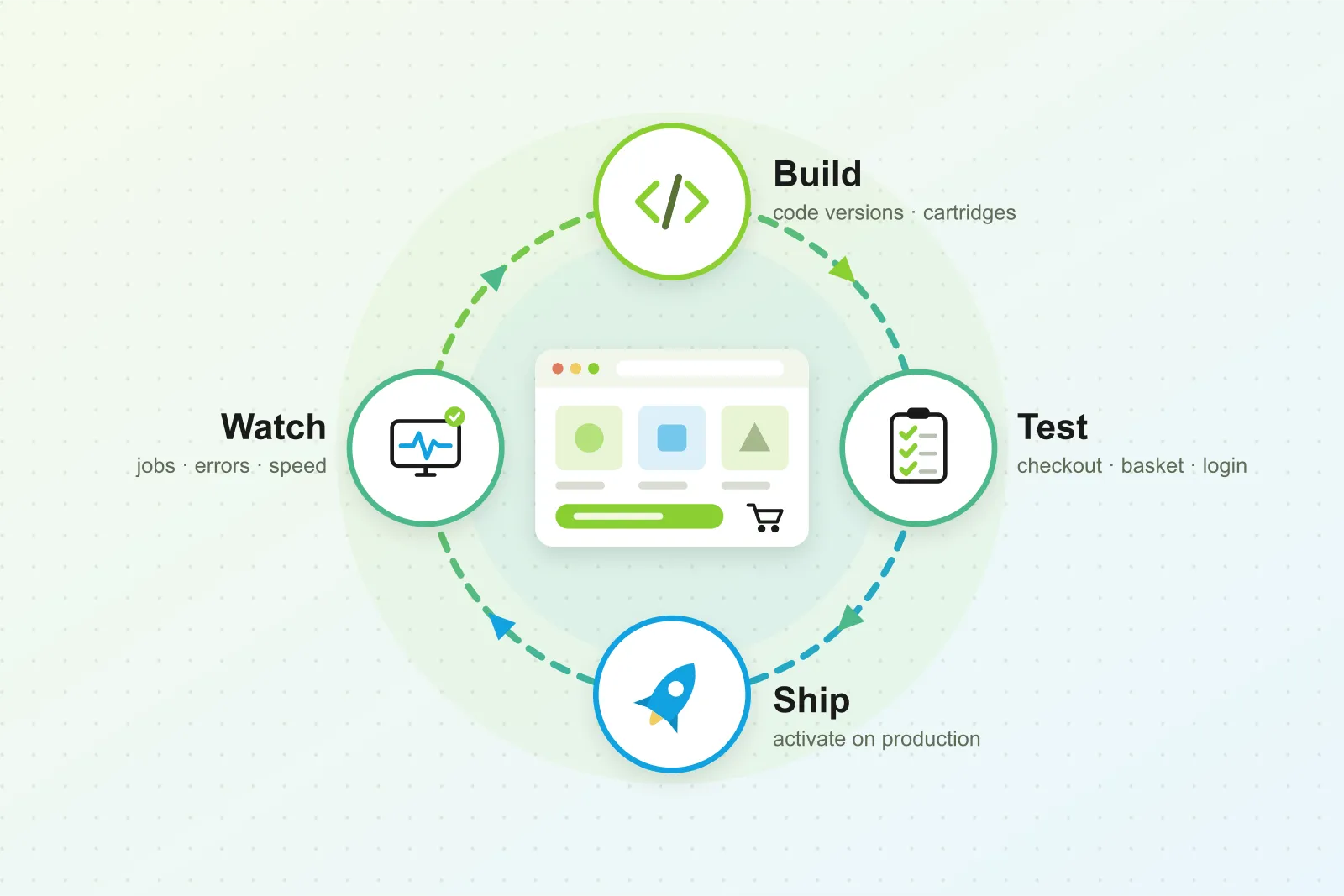
For how these pieces fit into a single release, see build, test, ship, watch: the SFCC release cycle.
How ForkPoint Retainers Work
ForkPoint retainers come in three sizes: Light (40 hours a month), Standard (80 hours) and Full (160 hours). All plans include senior developers, monthly reporting and a shared Slack or Teams channel. After a three-month start, they run month to month, and you can change hours at the start of any month.
- Compare plans on our SFCC support services page.
- Add proactive monitoring to your support.
- See all ForkPoint products.