Building DWithEase: What a Browser Extension Taught Us About SFCC Developer Productivity

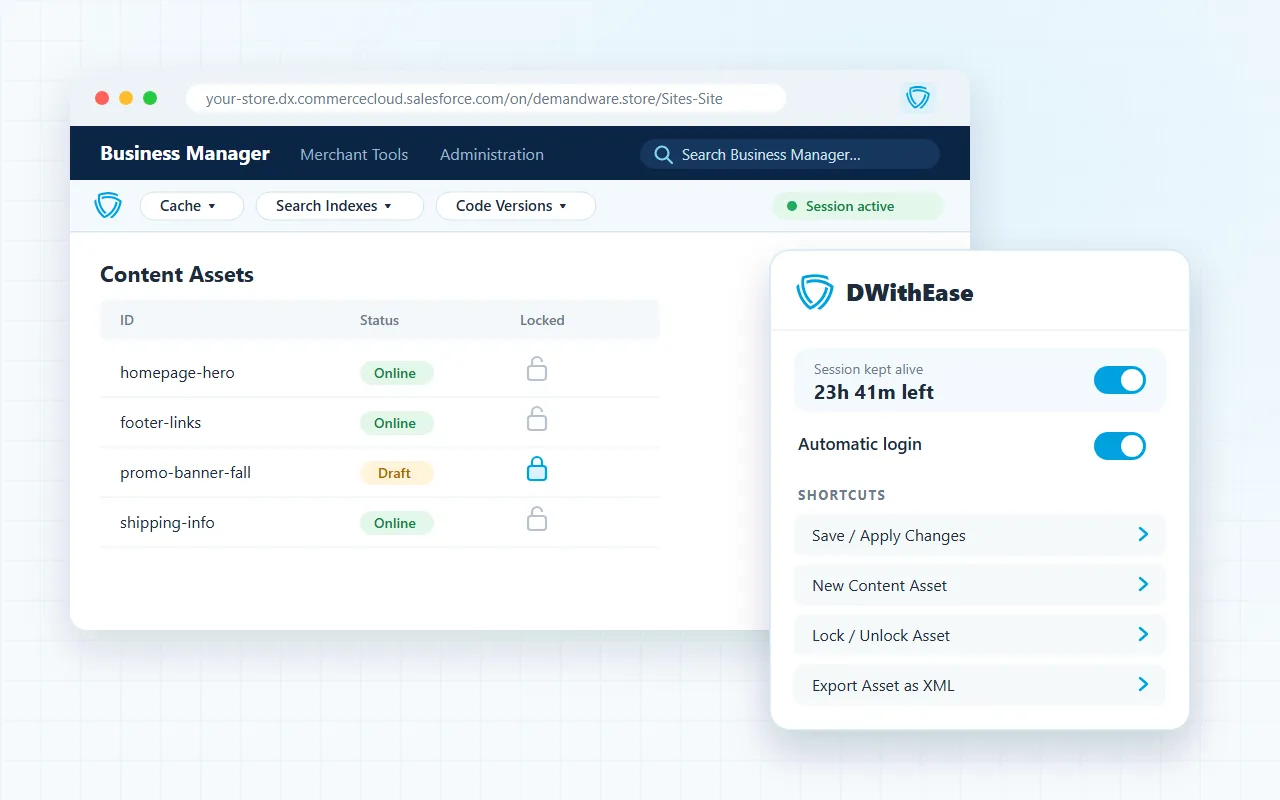
If you work in Salesforce Commerce Cloud every day, you know the small things that slow you down. Business Manager logs you out. The menu takes several clicks to reach the page you need. You switch sandboxes and lose track of which environment you’re in. None of these is a big problem alone, but together they eat hours every week.
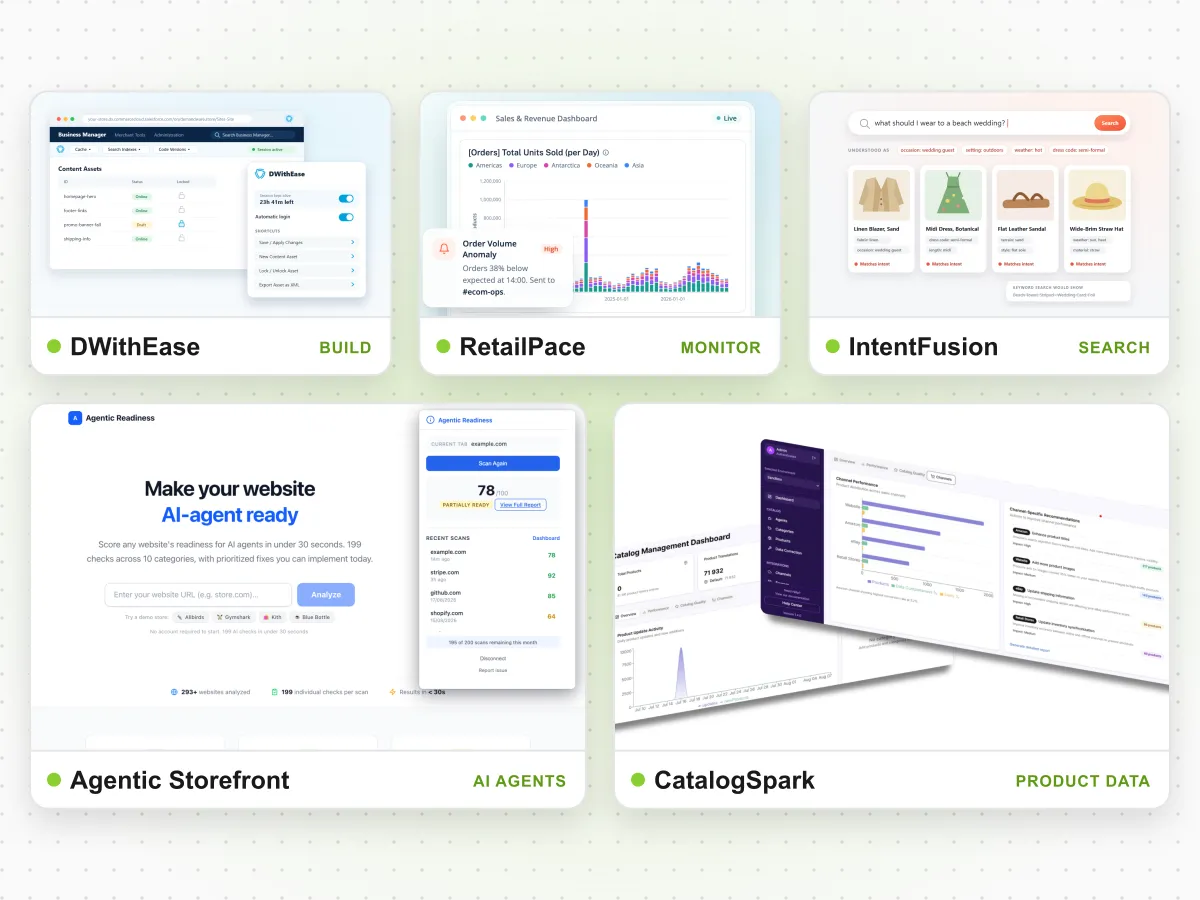
DWithEase is our answer to that friction. It’s a free browser extension for SFCC B2C, built and maintained by ForkPoint, and used by 25,000+ SFCC professionals. This article covers why we built it, what maintaining it has taught us, and why that matters if you’re choosing an SFCC partner.
In short:
- DWithEase comes from our own SFCC work. The developers who build it are the same people who deliver client projects at ForkPoint.
- Maintaining a widely used extension keeps us close to Business Manager. When the platform changes, we find out quickly, because our users depend on the extension working.
- That knowledge goes straight into client work: faster delivery, safer releases and fewer surprises in production.
Why We Built It
DWithEase started the way most useful developer tools do: our own team was tired of repeating the same steps. Our SFCC developers spend their days in Business Manager, on sandboxes and in WebDAV, and the same pain points came up again and again:
- Sessions that expire quickly, forcing constant re-logins.
- Slow menu navigation to reach frequently used pages.
- Switching between sandboxes without a clear sign of which environment is open.
- Reading WebDAV logs by hand.
- Minified JSON and HTML in Business Manager fields that are hard to read and edit.
- Finding which content asset renders a given part of the storefront.
Each fix was small. Put together, they changed how fast our team could move. Once it worked for us, we made it available to the wider SFCC community for free.
What DWithEase Does Today
The extension covers the everyday tasks that slow SFCC teams down:
- Sessions kept active for up to 24 hours and automatic Business Manager login.
- Sandbox management with environment badges and On-Demand Sandbox support.
- OnePass, a credential vault protected by a master passphrase and AES-256 encryption.
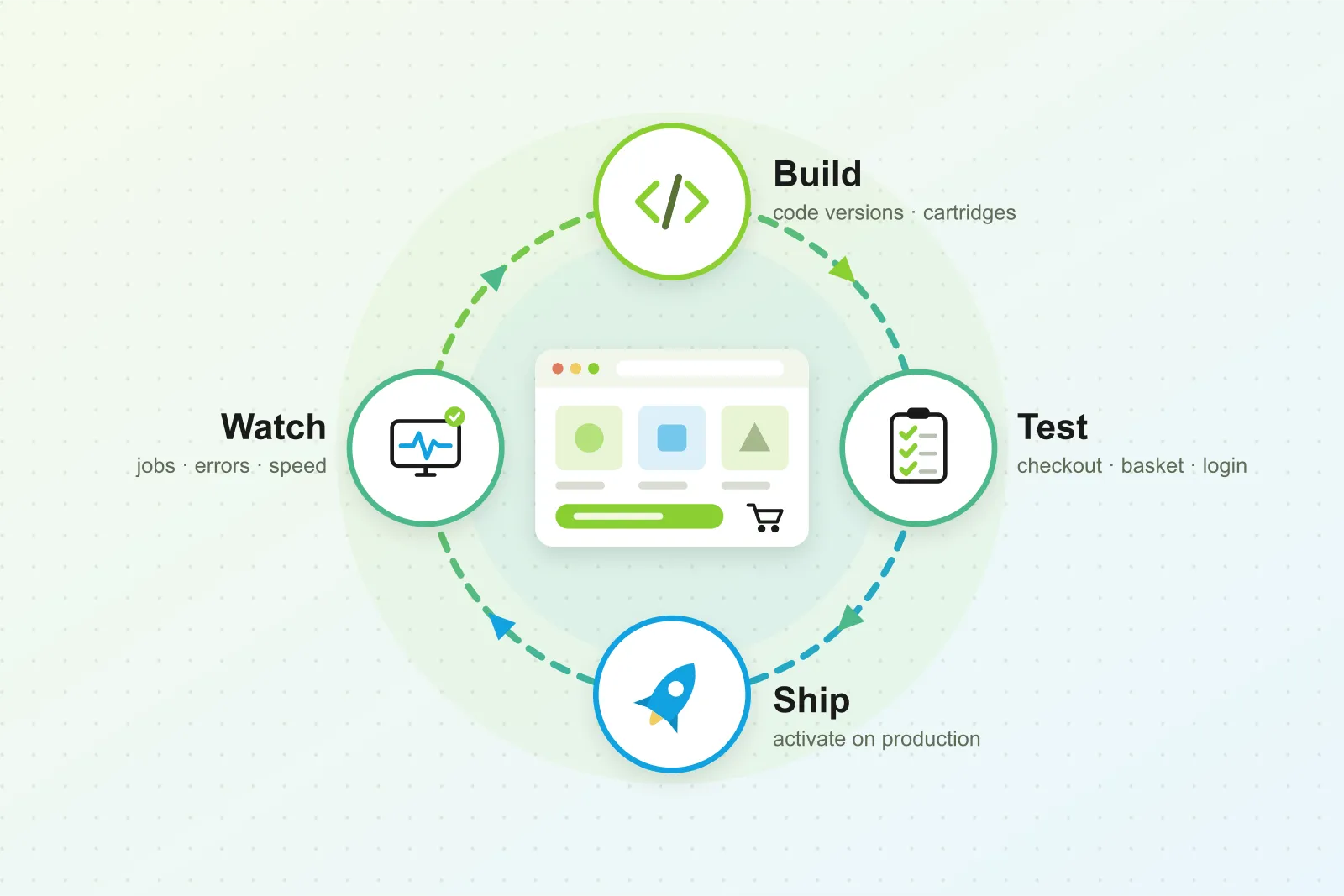
- A Business Manager toolbar for code versions, cartridge path and search indexes.
- Production controls with account-lock protection.
- Content asset tools: download, XML export and Highlight Content, which shows which asset renders a given part of the page.
- WebDAV editor, tree view and log tools.
- JSON and HTML formatting, custom scripts and CSS, and keyboard shortcuts.
It runs in Chrome, Edge, Firefox and Safari, as well as other Chromium browsers. The full feature list and documentation are on dwithease.com.
What Maintaining a Widely Used Extension Teaches You
Writing a tool for your own team is one thing. Keeping it working for 25,000+ users is something else. A few lessons stand out.
1. Business Manager is a moving target
Salesforce updates SFCC regularly, and Business Manager changes with it. An extension that sits on top of Business Manager has to keep up. That means we follow platform changes closely, because any change that breaks the extension reaches thousands of users at once. This attention to detail carries straight into client projects, where the same changes can affect custom cartridges, jobs and integrations.
2. Small delays add up across a team
Saving a few seconds per action doesn’t sound like much. But SFCC developers repeat the same actions dozens of times a day, across every member of the team. Watching how people use DWithEase showed us where time really goes in SFCC work. That’s why we look for this kind of friction on every client project, not only in the code we ship.
3. Security can’t be an afterthought
A tool that handles Business Manager logins has to earn trust. That’s why credentials in OnePass are protected by a master passphrase and AES-256 encryption, and why production environments get extra safeguards against accidental changes. We treat client environments with the same care: least-privilege access, clear separation between sandboxes and production, and no shortcuts on credentials.
4. Real users find real edge cases
Thousands of developers run the extension across very different SFCC setups: multi-site instances, unusual cartridge paths, custom Business Manager modules. Their feedback shows us configurations we would never see on a single project. That breadth helps us predict where problems will appear before they reach a client’s storefront.
How This Shows Up in Client Work
DWithEase isn’t a side project run by a separate team. The developers who build and maintain it are the same people who deliver SFCC projects for our clients. That has practical benefits:
- Faster onboarding. Our developers already know Business Manager in depth, so they get productive on a new client instance quickly.
- Safer releases. We know how sandboxes, code versions and replication behave in practice, which reduces risk at deployment time.
- Better debugging. Experience reading logs and tracing content assets helps us find the cause of production issues faster.
- A productivity mindset. We look for repeated manual steps in client workflows and remove them, just as we did for our own team.
Why This Matters When You Choose an SFCC Partner
Plenty of agencies list Salesforce Commerce Cloud as a capability. Fewer build tools that thousands of other SFCC developers rely on every day. DWithEase is public, free to try, and shows how well we know the platform.
If you’re evaluating partners for an SFCC build, migration or ongoing support, you can see our approach directly: install the extension and look at how it handles the details. Then talk to the team behind it.
- Explore our SFCC support services.
- See all ForkPoint products.
- Try DWithEase for free.