Replatforming Without Losing Your Data, Your Tests or Your AI Visibility

Most replatforming plans focus on the new storefront: the design, the checkout, the integrations. Those matter, but they aren’t usually what goes wrong. The problems that hurt most after launch come from what the old platform did quietly in the background: years of product data cleanup, a test suite that caught regressions, alerts that someone tuned over time, and, more recently, a store that AI assistants had learned to read.
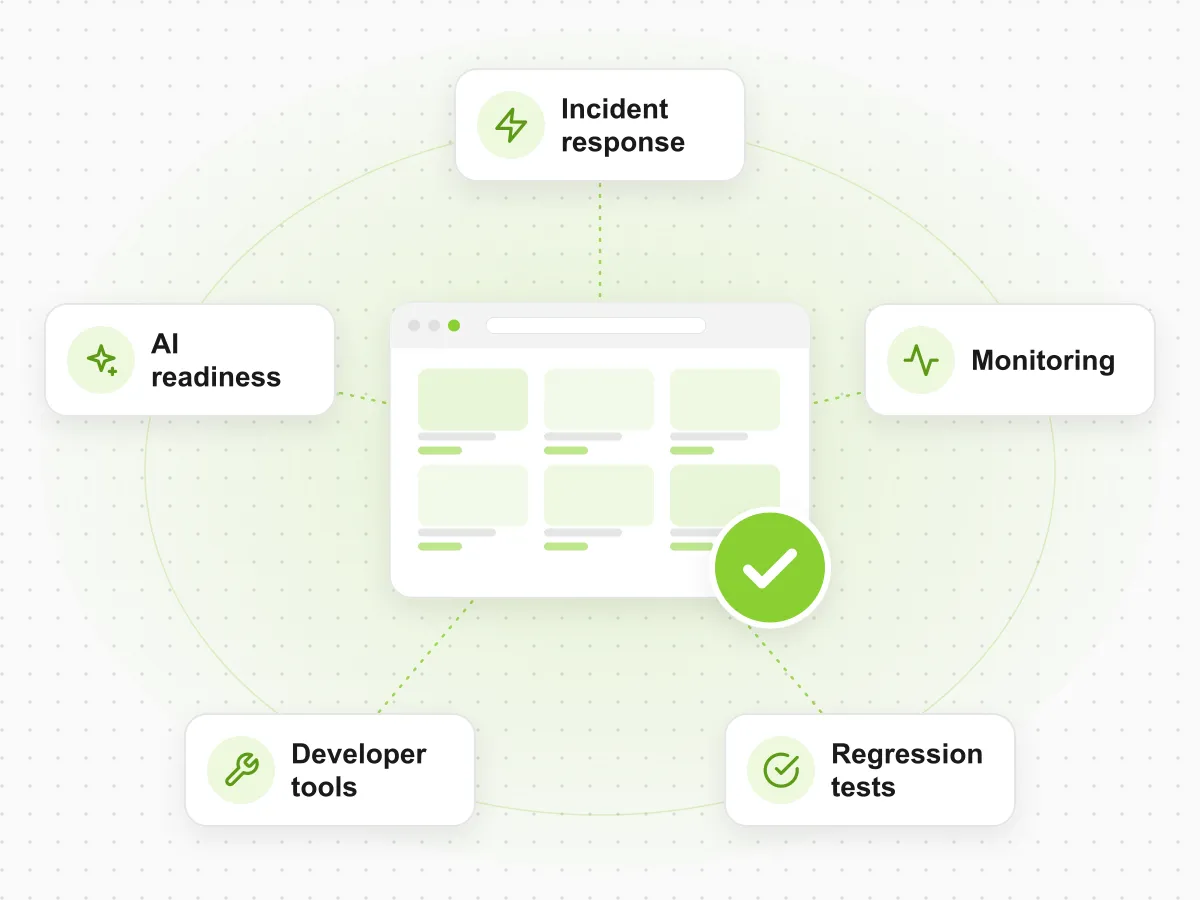
A migration resets all of these at once. This guide covers four risks that every replatforming project should plan for from day one, whether you’re moving from SFCC to Shopify Plus, from Shopify Plus to SFCC, or between any other platforms.
In short:
- Product data: migrate it once, properly, and enrich it on the way. Don’t copy old gaps into a new data model.
- Tests: rebuild your regression suite for the new platform before launch, not after the first incident.
- Monitoring: have alerts working on launch day, when the risk is highest.
- AI visibility: check that AI shopping agents can read and buy from the new store before you switch off the old one.
Still deciding on the target platform? Start with our SFCC vs Shopify Plus decision guide.
1. Product Data: Move It Once, Improve It on the Way
Your product catalog is the one part of the store that moves with you, and catalog migration is where replatforming projects most often slip. Each platform has its own data model. Attributes have to be mapped, variants restructured and categories rebuilt. Anything messy in the old catalog becomes a problem in the new one: filters that don’t work, search that can’t find products, feeds that get rejected.
What to plan for:
- Audit the catalog before mapping it. Find blank attributes, duplicate values (“Navy”, “navy blue”, “NAVY”) and products with thin descriptions.
- Map to the new data model deliberately. Decide which attributes become filters, which drive search, and which feed other channels.
- Enrich during migration, not after launch. After go-live, the team is busy with other work and the gaps stay.
- Plan translations and channel feeds as part of the migration, not as a follow-up project.
- Keep a record of changes, so you can compare old and new product data and roll back mistakes.
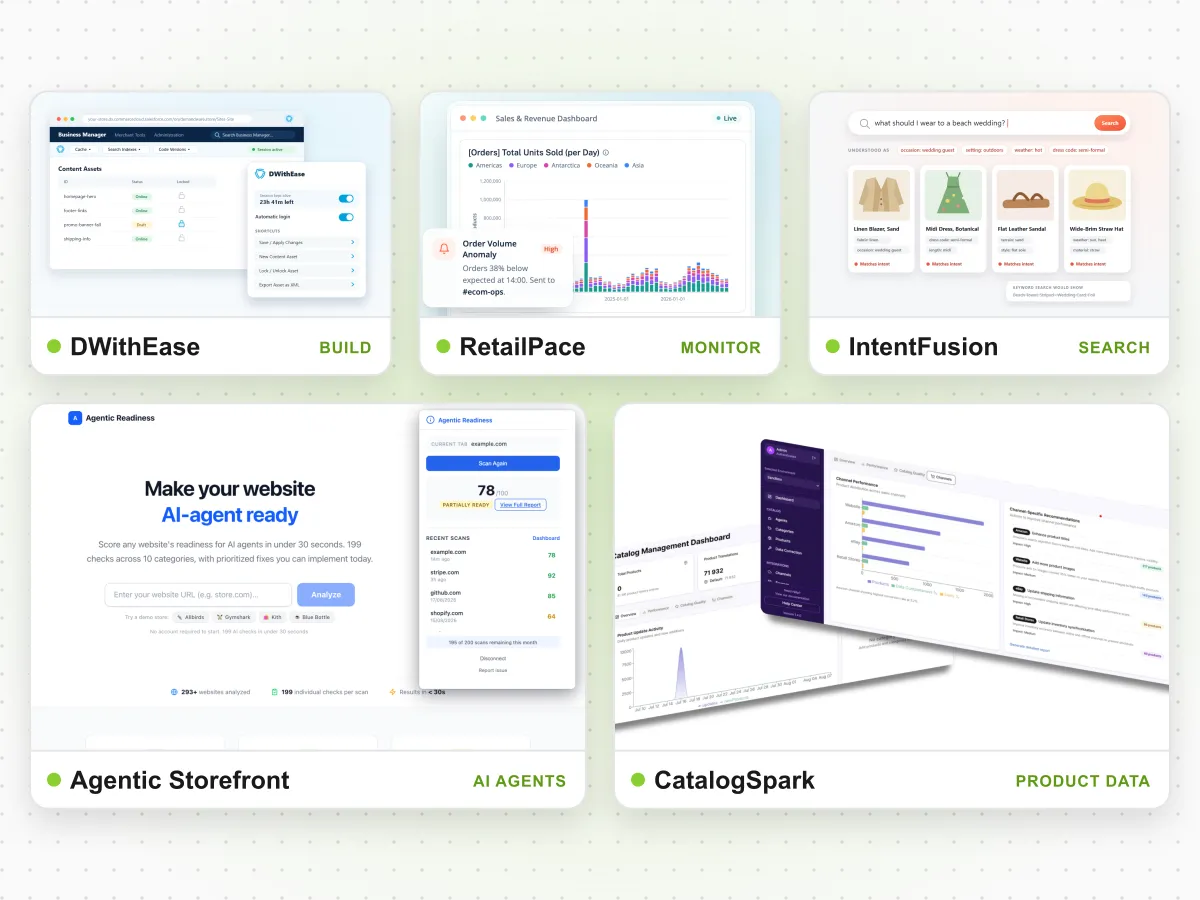
Doing this by hand for tens of thousands of products takes months. AI enrichment makes it practical: Stine Home + Yard used it to grow its catalog from 35,000 to 80,000 products. The platform behind that work is CatalogSpark, our AI product data tool. It publishes to both SFCC and Shopify, so the enriched catalog works whichever way you move.
2. Tests: Rebuild the Regression Suite for the New Platform
If your current store has automated regression tests, they won’t survive the move. Page structure, checkout flow and account pages all change, so the tests have to be rebuilt. If you test by hand today, a migration is the right moment to automate, because you’ll be running the same checks many times before launch.
What to plan for:
- List the journeys that make money on the current store: login, search, product pages, basket, promotions, checkout and payment.
- Rebuild the tests against the new platform while it’s being built, so they’re ready for user acceptance testing.
- Test redirects. Old URLs for products and categories must lead to the right new pages, or you lose search traffic and links.
- Compare order totals on the old and new store for the same basket, including taxes, shipping and promotions.
- Run the full suite before launch and again right after, on production.
Automated tests turn a multi-day manual check into a run that takes hours. At ForkPoint, automated regression testing is RetailVerify. We’ve seen its effect on release speed with Stine Home + Yard, where testing time fell from four person-days to two hours. Read the Stine case study.
3. Monitoring: Be Watching From Launch Day
The first weeks after launch are the riskiest in a migration. Integrations run against real data for the first time, imports run on new schedules, and traffic finds paths nobody tested. Yet monitoring is often set up after launch, once the project team has moved on.
What to plan for:
- Set up monitoring before go-live, for checkout, payments, errors, jobs and integrations.
- Expect new baselines. Normal traffic, error rates and job times will differ from the old platform. Tune alerts during the first weeks rather than copying old thresholds.
- Watch the integrations closely, especially ERP, order management and inventory flows.
- Agree who responds during launch week and after it, including outside office hours.
For this, ForkPoint built RetailPace monitoring. It works across SFCC, Shopify and other major platforms, so the same monitoring approach can follow you from the old store to the new one.
4. AI Visibility: Check Agent Readiness on the Target Platform
This risk didn’t exist a few years ago. More shoppers now ask AI assistants what to buy, and some of those assistants can complete a purchase. If AI assistants recommend your products today, that depends on data and pages they already know how to read. A migration changes URLs, product pages and structured data, and AI assistants can lose track of the brand for weeks.
The platforms also handle AI shopping agents differently. Shopify offers native AI channel features. On SFCC, connecting a store to agents through open protocols usually means a cartridge or custom integration. Our decision guide compares the two approaches in more detail.
What to plan for:
- Measure where you stand before the move. Ask AI assistants the questions your customers ask and record whether your brand appears and how it’s described.
- Keep structured product data at least as complete on the new platform as on the old one.
- Make sure AI crawlers can reach the new pages, and that redirects cover every old product URL.
- Decide how agents will buy: through the platform’s native channels, or through an integration you control.
- Measure again after launch, and fix anything that’s missing or wrong.
Agentic Storefront, our agentic commerce product, offers a free readiness audit you can run on the current store and again on the new one. If you’re moving to Shopify Plus, see agent readiness on Shopify Plus.
Putting It Together: One Plan, Four Workstreams
These four risks aren’t separate projects. They depend on each other: tests need final product data, monitoring needs the tests to pass, and AI visibility depends on both the data and the pages. They work best as workstreams in one migration plan, each with an owner and a date.
| Workstream | Start | Ready by | Risk if skipped |
|---|---|---|---|
| Product data | Discovery, before mapping | Content freeze before UAT | Broken filters, weak search, rejected feeds |
| Tests | While the new store is being built | User acceptance testing | Regressions found by customers |
| Monitoring | Final weeks before launch | Launch day | Failed jobs and slow checkout nobody sees |
| AI visibility | Discovery (baseline measurement) | Launch, re-measured after | Brand drops out of AI shopping answers |
We lead migrations as a whole, and each ForkPoint product covers one of these risks. When Decor Steals moved from Salesforce to Shopify, the project took less than six months and cost about $300,000 less than their earlier Salesforce launch.
Start With an Independent Evaluation
Before you commit to a platform or a timeline, find out where the effort really sits: integrations, data, tests and technical debt. Our platform migration evaluation is free and gives you a written report with a risk assessment and a phased roadmap, whether or not you work with us afterwards.
- Request a platform migration evaluation.
- Compare platforms with our SFCC vs Shopify Plus decision guide.
- See all ForkPoint products.