How to turn an AI readiness report into a clear task

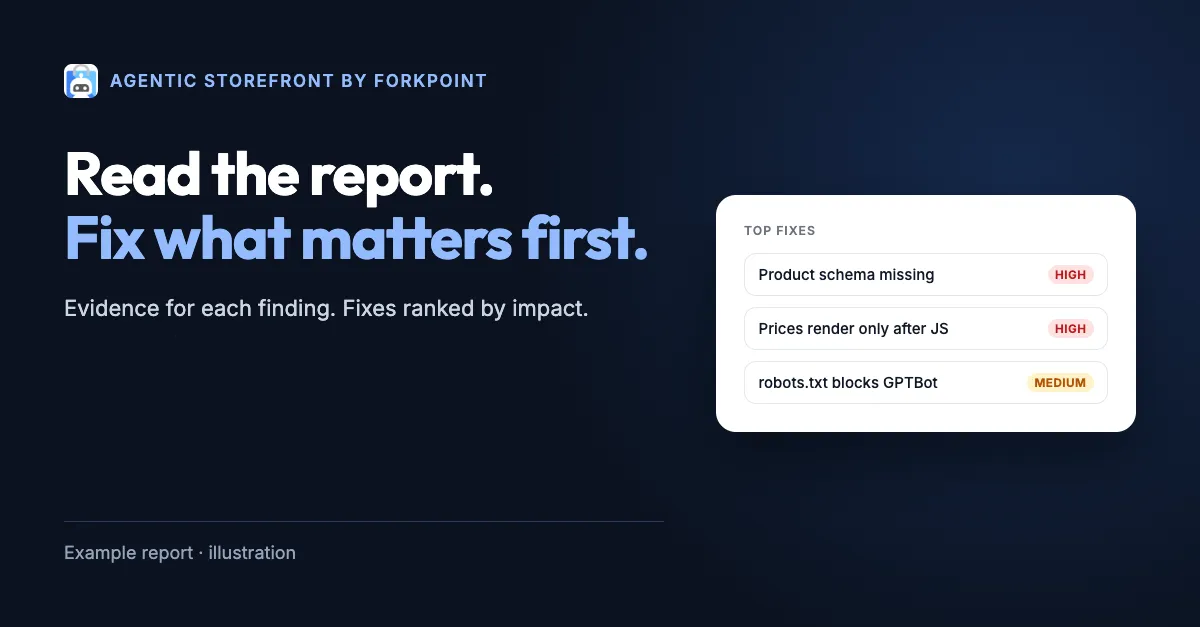
A readiness report is useful when the team can act on its findings. Start with the page and the scan conditions. Inspect one issue. Give the work an owner. Define how you will check the result before you change the site.
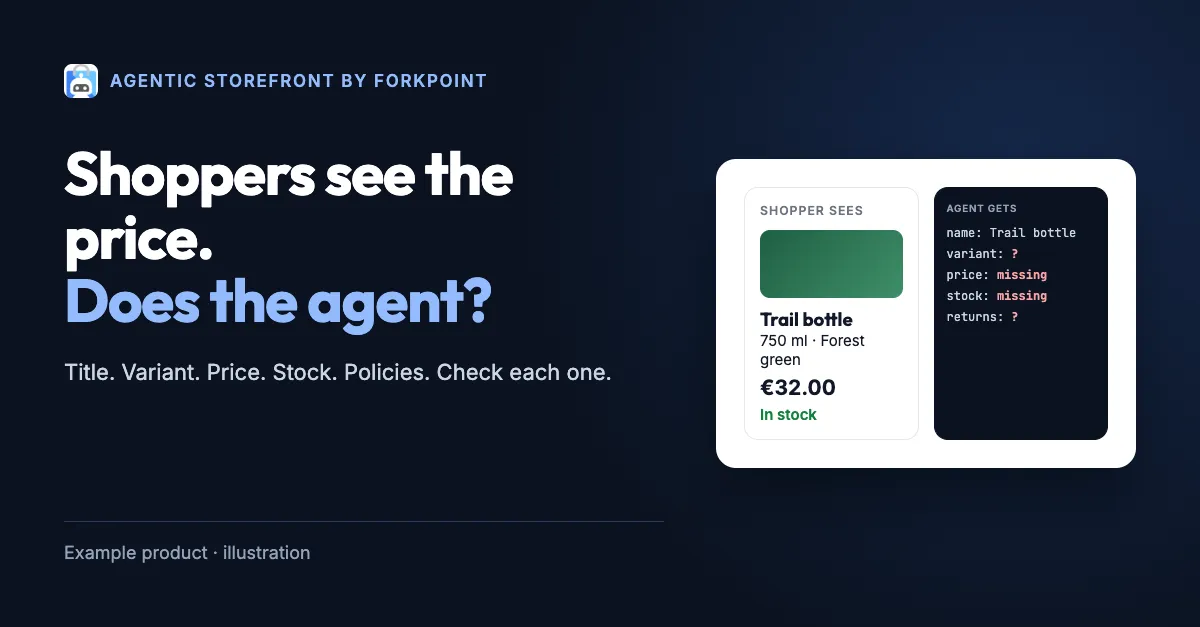
This walkthrough uses a fictional finding. The example product page is example.com/products/trail-bottle. It shows a price after JavaScript runs, but the initial response contains no price. This is teaching material, not a live scan, a customer result, or a claim about that domain.
For current live examples, open the Agentic Storefront sample reports. Check the date and scope of the report you choose. A dated result describes what the scan observed under its own conditions.
Read the scope before the score
Find the scanned URL. Check whether it includes a path or query that selects a product variant. Review the time and any conditions the report records. A homepage result does not describe every product page in a store.
Make a note of what the scan could inspect. A public page check differs from an authenticated checkout test. A finding about a discovery signal differs from proof that a transaction works. Keeping these distinctions clear prevents a small result from becoming an unsupported claim about the whole business.
The readiness score helps organize page findings. It does not count AI recommendations or attribute sales. If the business needs those measures, define separate tests and data sources for them.
Inspect the finding and its evidence
In the fictional example, the issue is a price missing from the initial HTML. The visible page shows €32.00 after its scripts run. A client that reads only the initial response may not receive that value.
An engineer should confirm this behavior before editing. Inspect the initial response and the rendered page for the same product and variant. Check whether the price comes from an API, a template, or another source. Record enough detail for a second person to reproduce the observation.
Do not infer that every assistant fails to see the price. Different tools can use different retrieval paths. The narrow finding is enough to define a useful task: make the intended public product fact available through the page’s supported rendering path.
Choose the owner at the source
A missing value can cross several systems. Merchandising may own the price record. An integration may transfer it. A page template may render it. A cache may delay the update. Assign the task to the team that can correct the cause.
The first owner does not need to solve every related issue. Their first job may be to trace the value. Keep that investigation bounded by the affected product and expected behavior. Add further tasks only when the evidence requires them.
For a content problem, a copy change might be sufficient. For a rendering problem, the engineer may need a template change. For a stale feed, the feed owner needs to inspect the delivery process. One generic “AI optimization” task hides these useful differences.
Write an acceptance check before the fix
A task for the fictional example could read:
Expose the current selected variant’s price and currency in the initial product-page response. Use the existing price source. Keep the visible price and offer data consistent for the same market and variant.
Its acceptance check should include the original URL and a second variant. Inspect the initial response and the rendered page. Test a normal price update. Confirm that the change did not introduce a stale hard-coded value or remove existing buyer behavior.
The check should match the task’s scope. It does not need to claim that a purchase occurred or that an assistant recommended the product. Those outcomes require different evidence.
Repeat the check under comparable conditions
After the change, repeat the original inspection. Use the same URL, market, and variant where possible. Keep the before and after evidence. Then run another readiness audit and inspect the relevant finding.
A total score can change for reasons beyond the task. The scanner version, page content, availability of an external service, or other checks may differ. Confirm the specific fix first. Record any changed conditions alongside the score.
If the finding remains, inspect the new response before repeating the same edit. A cache or alternate rendering path may explain the result. Treat a temporary scan error as a separate state. An error does not prove that the page passed or failed the intended check.
Keep the result useful after release
Record the page, issue, owner, change, and verification date in the team’s normal work system. Add the relevant check to the release process when later changes could undo the fix. Avoid leaving the evidence only in a chat thread.
Choose the next task from the remaining findings and business context. A highly visible product page may deserve attention before a low-use route. The report informs that decision; the team still owns the priorities.
Get the free Shortlisted playbook for a 30-day plan and a worksheet for the first review. Read the product-data guide when the finding crosses variants, prices, and feeds. Return to the AI readiness guide to start an audit or find the expert-help path.